What's New: Item Photos, Paste a List, and a Free Most-Purchased List
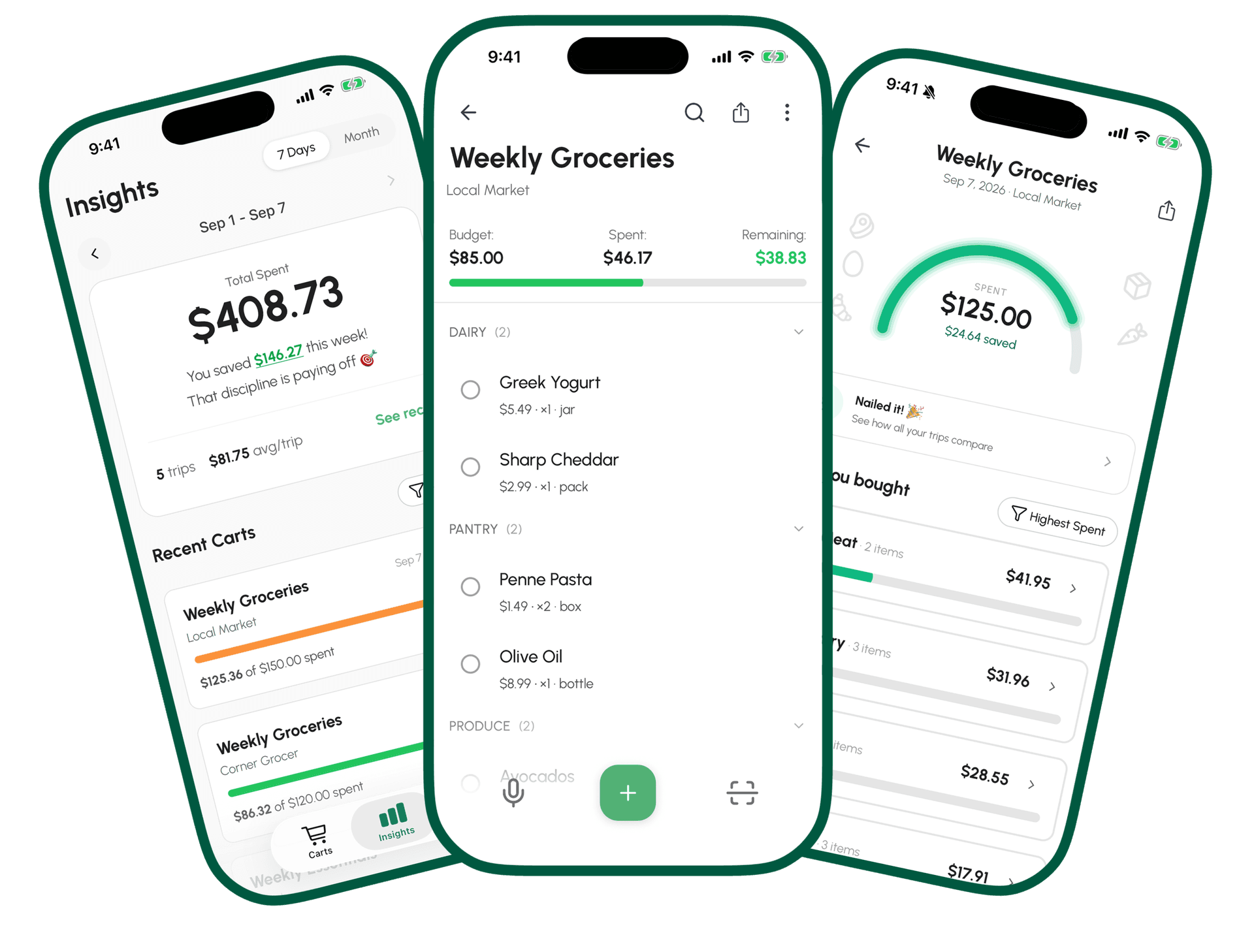
The latest GroceryBudget update adds item photos, paste-a-list entry, moving items between carts, and makes your full most-purchased items list free for everyone.
Key Takeaways
• Item photos: attach a picture to any item, and it's remembered per item and store — no re-photographing the same product next time.
• Paste a list: drop in multiple typed lines at once instead of adding items one by one.
• Your full most-purchased items list is now free for everyone — not just the top 3.
Put this advice to work on your next grocery trip
Plan your list, set a budget, and track the total while you shop.
Explore GroceryBudget features →

A few things changed in the app since the last update post. None of these need an update to unlock — if you've got the latest version, they're already there.
Item Photos
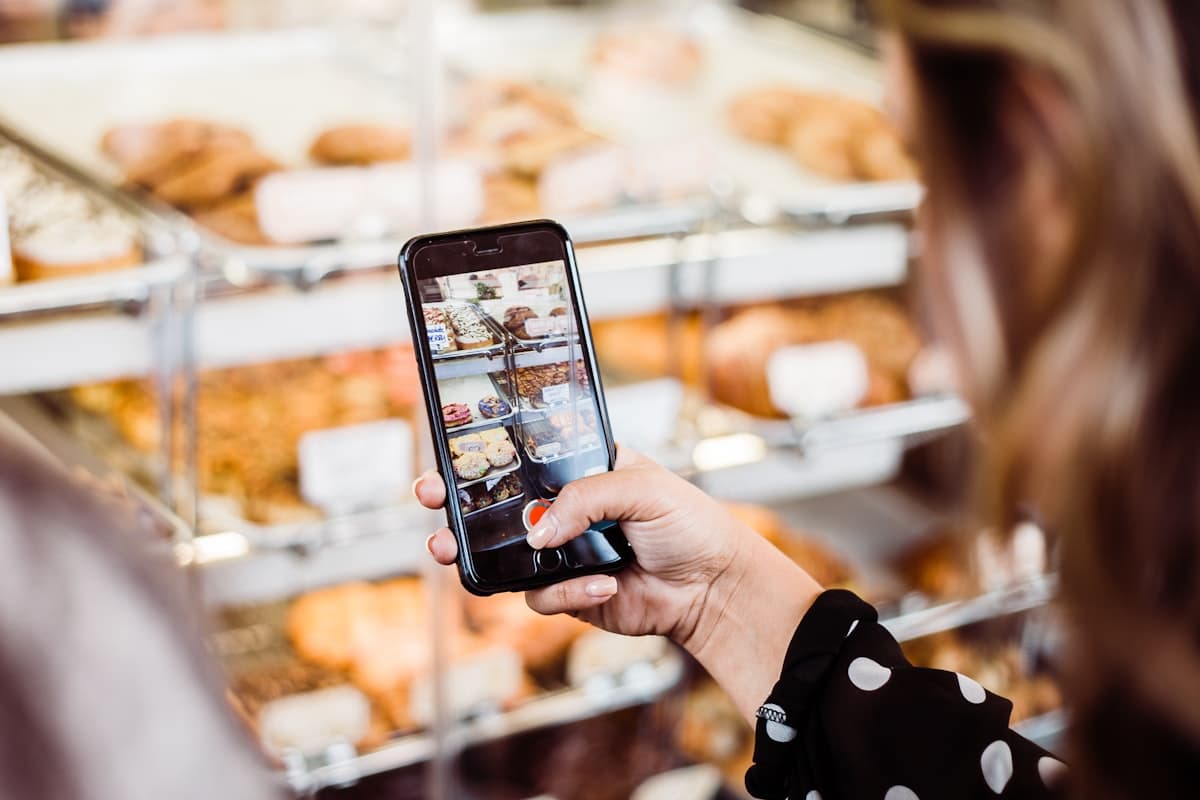
Every item can now carry a photo — snap one from your camera or pick it from your library, right from the item detail screen or the quick-edit sheet in Add Item.
The useful part isn't the photo itself, it's what happens next: GroceryBudget remembers it per item and store. Add "chicken thighs" again at the same store next week, and the photo comes back automatically. No re-shooting the same product every time it lands in a new cart. If a store doesn't have its own photo for an item yet, it falls back to whatever photo you took for that item elsewhere — so you're not stuck photographing the same tin of milk five different times just because you shopped at five different stores.
Free for everyone, no scan required.
Paste a List
If you already have a list somewhere else — a notes app, a text from your roommate, last week's leftovers — you can now paste it straight into Add Item instead of retyping line by line. GroceryBudget splits it into individual items, and prices fill in automatically from price memory where it has one on file.
Works completely offline. No camera, no AI call — it's just parsing text you already typed.
Put this advice to work on your next grocery trip
Plan your list, set a budget, and track the total while you shop.
Explore GroceryBudget features →Move Items Between Carts
Added something to the wrong cart? Swipe it, or select several at once, and move them to a different cart. Useful if you're running two lists at once — say, one for the supermarket and one for the corner store — and something ends up on the wrong one.
Your Full Most-Purchased List Is Now Free
This one's a straight removal of a limit: the most-purchased items list in Insights used to show free users only their top 3 items, with the rest behind Premium. That cap is gone. Everyone gets the complete list now, sorted the same way it always was.
Premium still adds unlimited AI scanning, unlimited insights history, recurring lists, and Family Sharing — see what's actually worth paying for if you're deciding whether to upgrade.
Getting the Update
If you're on iOS or Android and have automatic updates on, you likely already have this. If not, check your app store for the latest version.
Download GroceryBudget if you don't have it yet, or open the app to see these live.