How to Stick to a Grocery Budget (Without Willpower)
Most grocery budget advice is about setting the number. This is about keeping it. Here are the practical systems that work, and why willpower alone doesn't.
Key Takeaways
• Why willpower-based grocery budgeting always fails eventually.
• The three systems that make sticking to a budget automatic.
• How real-time tracking changes spending behavior without discipline.
Put this advice to work on your next grocery trip
Plan your list, set a budget, and track the total while you shop.
Explore GroceryBudget features →

Most people know roughly what their grocery budget should be. The problem isn't setting the number — it's that they blow past it every week without meaning to.
The standard advice is: make a list, stick to the list, avoid impulse buys. You've heard it. It doesn't work consistently because it relies entirely on willpower in an environment deliberately designed to undermine it.
Here's what actually works.
Why Willpower-Based Budgeting Fails
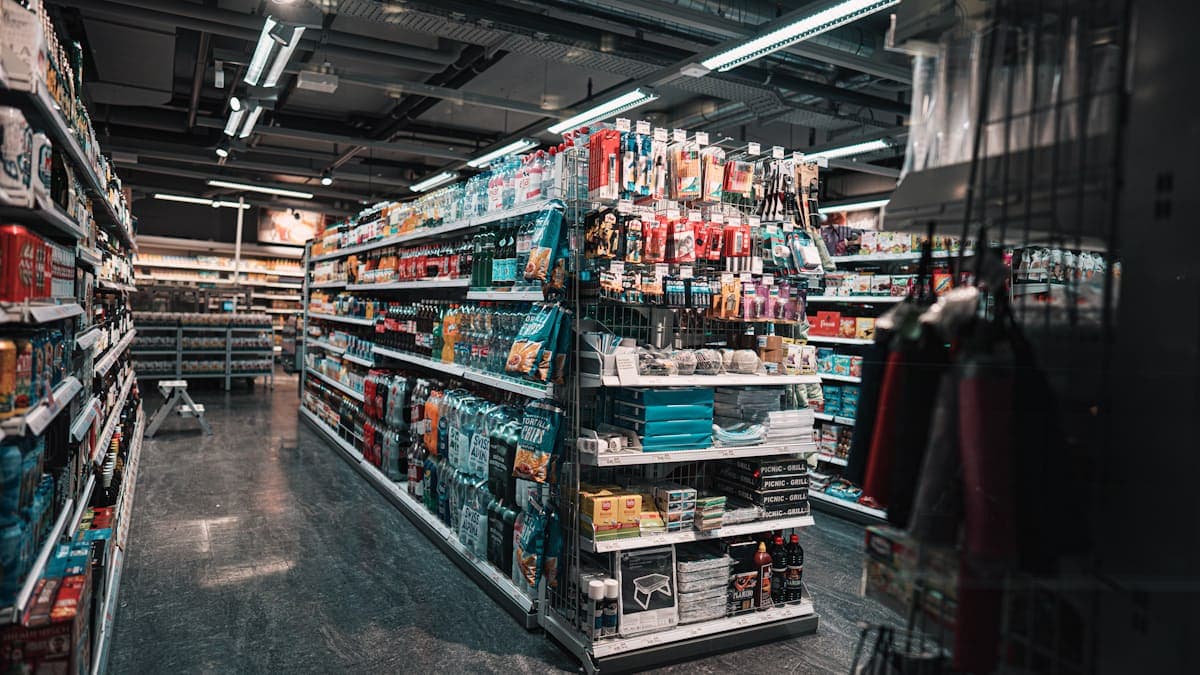
Grocery stores are engineered to increase basket size. End-caps, promotional displays, product placement at eye level, free samples, the smell of fresh bread near the entrance — every element is optimized to get you to spend more.
Willpower is a limited resource. It depletes through the shopping trip. The longer you're in the store, the harder it is to resist unplanned additions. By the time you reach the snack aisle, you've already made 50 decisions and your resistance is low.
The solution isn't stronger willpower. It's removing the need for willpower by replacing decisions with systems.
System 1: Know Your Running Total at All Times
The single most effective change you can make: know exactly how much you've spent and how much budget you have left — at every point during the shopping trip.
When you can see "I'm at $87 out of $120 with half the store left," you make different choices automatically. You put back the item you were on the fence about. You choose the store brand instead of the name brand. You skip the snack you didn't plan for.
When you don't know your running total, you're guessing. Guessing always overshoots.
This is why real-time tracking apps work better than mental math or post-trip review. The information needs to be available during the decision, not afterward.
System 2: Set the Budget Before You Leave Home
A budget set in the parking lot is less effective than a budget set before you leave. Here's why: once you're in the store, anchoring bias kicks in. You've already walked past $300 worth of items. A $120 budget starts to feel restrictive in a way it wouldn't have if you'd committed to it at home.
Set your per-trip budget before you leave. Put it in the app. Commit to it. By the time you're in the store, the number is already established — you're managing against it, not negotiating with it.
Put this advice to work on your next grocery trip
Plan your list, set a budget, and track the total while you shop.
Explore GroceryBudget features →System 3: Build a Price-Anchored Shopping List
A shopping list without prices is just a reminder of what to buy. A shopping list with expected prices gives you a pre-trip budget estimate so there are no surprises at checkout.
If you know chicken is usually $4.99/lb, yogurt is $1.29, and your usual produce run is about $18 — you can estimate your total before you even leave. If the estimate is already over budget, you make adjustments before the trip, not during it.
GroceryBudget's price memory feature does this automatically. Once you've bought an item, it's remembered at the last price you paid. Your next list is pre-populated with prices, giving you an estimate before you shop.
System 4: Separate Trips by Purpose
Big stock-up trips and small fill-in trips have different dynamics. Combining them into one big weekly shop often leads to overspending because the mental bandwidth required to evaluate every item is too high.
Weekly shop: Regular items at standard prices. Use a template from last week's cart. Most prices are pre-filled. In and out in 30–40 minutes.
Monthly stock-up: Pantry items, bulk purchases, cleaning supplies. Separate budget, separate mindset.
Midweek fill-in: Only what you need for 1–2 meals. Hard limit — $20 or $30 max.
Separating trips by type makes each one easier to manage and budget accurately.
The Role of Tracking
None of these systems work without knowing what you're actually spending. Most people who are consistently over their grocery budget don't track — they estimate, and estimates are always optimistic.
Track every trip for 4 weeks. Include the gas station where you grabbed milk, the pharmacy where you picked up snacks, and the convenience store run. That number — your real monthly grocery spend — is the one worth managing.
GroceryBudget tracks each trip with a real-time running total and stores your history so you can see patterns across weeks and months. The budget bar during a trip is the key feature — it's the real-time information that triggers the in-store behavior change.
Free to start, no account required.