Scan Your Grocery Receipt, Log the Whole Trip in One Shot
GroceryBudget now reads your receipts. Snap a photo and AI extracts every item, price, and quantity into a completed trip that feeds your insights.
Key Takeaways
• Photograph a grocery receipt and AI logs every item, price, and quantity into a completed trip.
• Scanned trips feed your spending insights and price memory automatically — no typing.
• You get 3 free receipt scans to try it; Premium unlocks unlimited scanning.
Turn a grocery receipt into useful spending history
Scan the whole receipt, review the extracted items, and save the trip without typing every line.
Explore grocery receipt scanning →

Tracking a grocery trip used to mean one of two things: log items while you shop, or sit down afterward and type in a receipt line by line. The first takes discipline. The second doesn't happen.
Now there's a third way. Photograph the receipt, and the trip logs itself.
If you want the product overview first, see how the GroceryBudget grocery receipt scanner works, including its free allowance, supported platforms, and honest limitations.
One Photo, Whole Trip
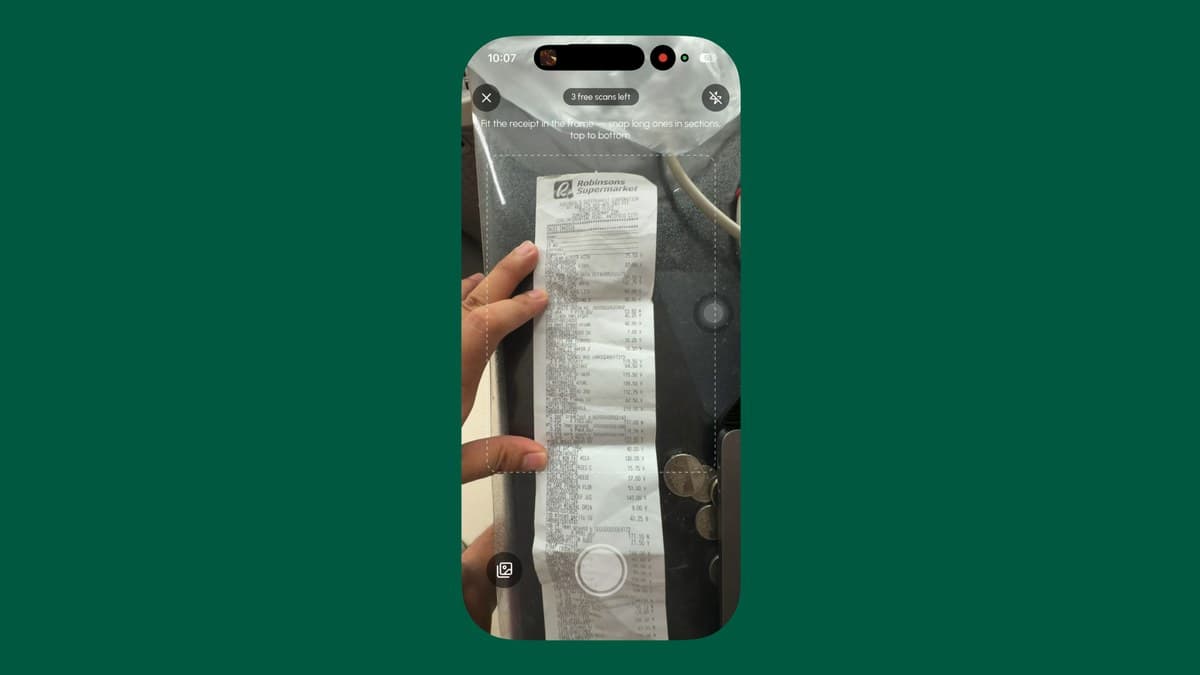
Tap + to create a cart and choose Already shopped? — then snap your receipt (or pick a photo you took earlier). AI reads the whole thing in a few seconds:
- Every line item with its price and quantity
- The store, matched to your saved stores — or created for you if it's new
- The date and total of the trip
The result isn't a shopping list you still have to work through. It's a completed trip, ready to save straight into your history.
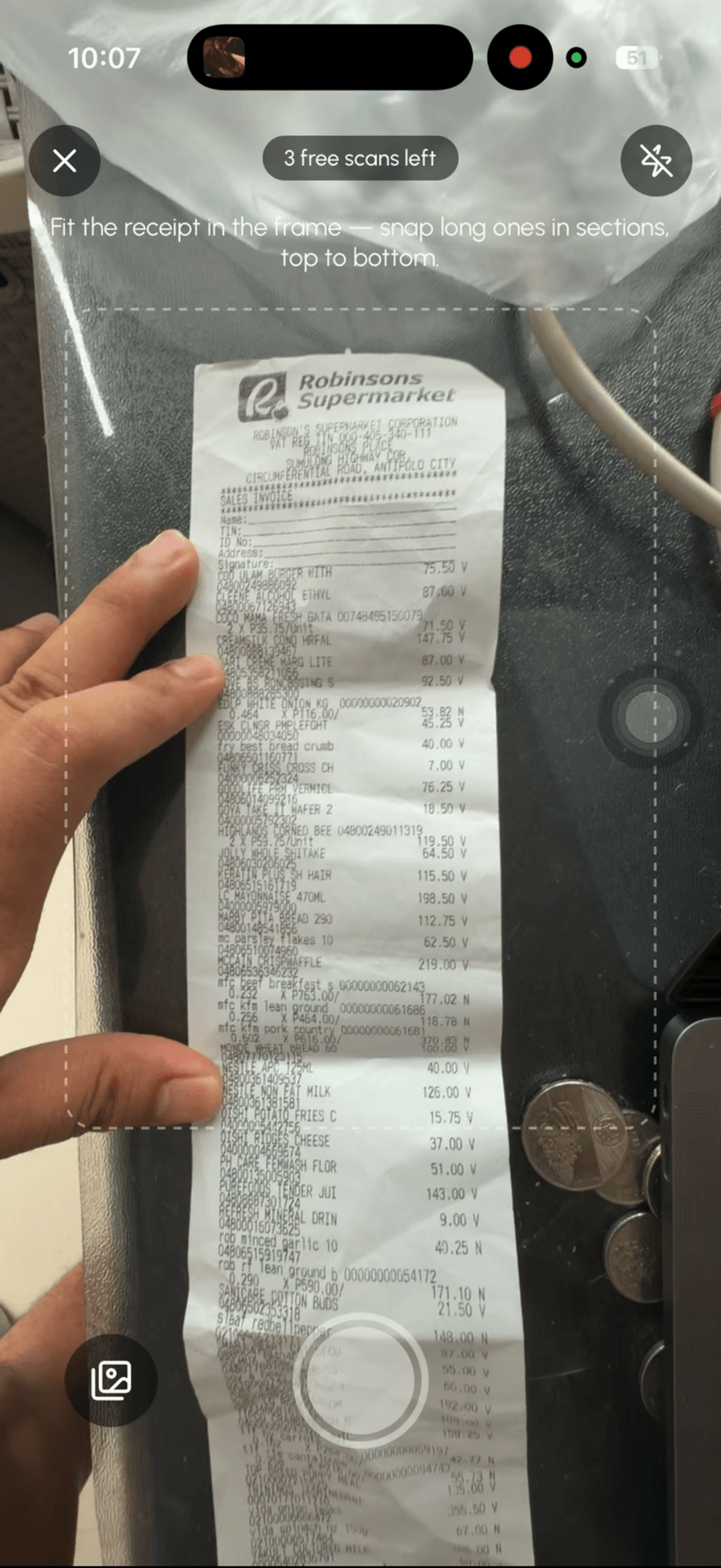
Here it is in action — snap the receipt, and the whole trip logs itself:
Review Before You Save
Receipt paper is messy — abbreviations, store codes, faded thermal print. So nothing saves blind.
After the scan you get a review screen. Every extracted item is listed; tap any row to fix the name, price, quantity, or category in a quick edit sheet. Rows that look like SKU codes rather than products come pre-deselected. If the extracted items don't add up to the receipt's printed total, you'll see a hint so you can spot what's off.
Here's a real one — 47 items off a Robinsons Supermarket receipt, extracted, categorized, and priced in seconds:
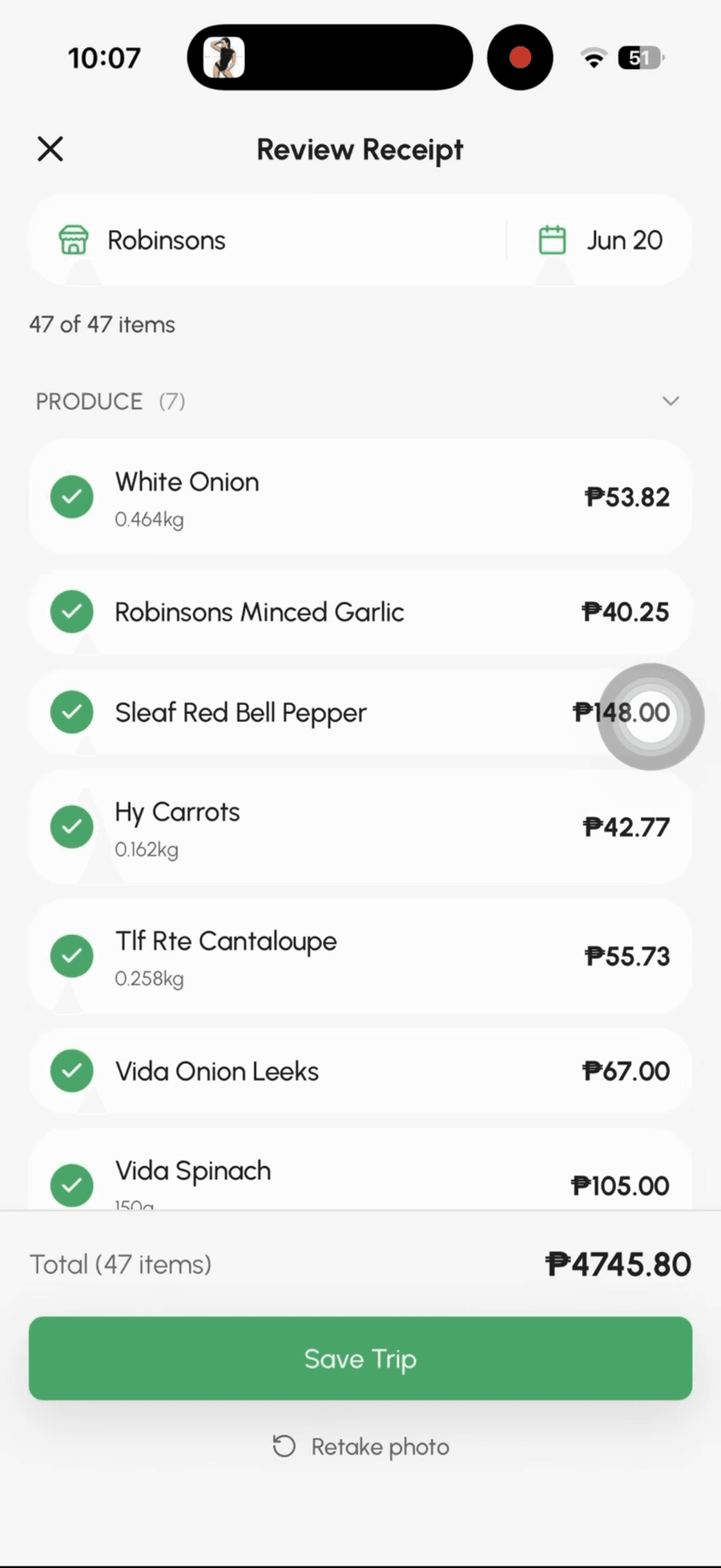
Two guardrails work silently in the background: if you've already saved a trip from the same store on the same day with the same total, GroceryBudget asks before creating a duplicate. And if you point it at something that isn't a grocery receipt, it says so instead of inventing data.
Turn a grocery receipt into useful spending history
Scan the whole receipt, review the extracted items, and save the trip without typing every line.
Explore grocery receipt scanning →It Feeds Everything Else
This is the part that compounds. A scanned receipt isn't just a record — it powers the rest of the app:
- Spending insights — the trip lands in your history with category and store breakdowns, like any other completed cart.
- Price memory — every scanned price is saved per store. Next time you add "eggs" by hand at that store, the price you actually paid is already suggested.
- Price history — repeat scans build your personal price database, so you can see what's creeping up and which store is cheaper.
So even if you never plan a list in advance, scanning receipts after each trip quietly builds the same spending picture — with about ten seconds of effort per trip.
Where It Fits Next to the Label Scanner
GroceryBudget now scans at both ends of a shopping trip:
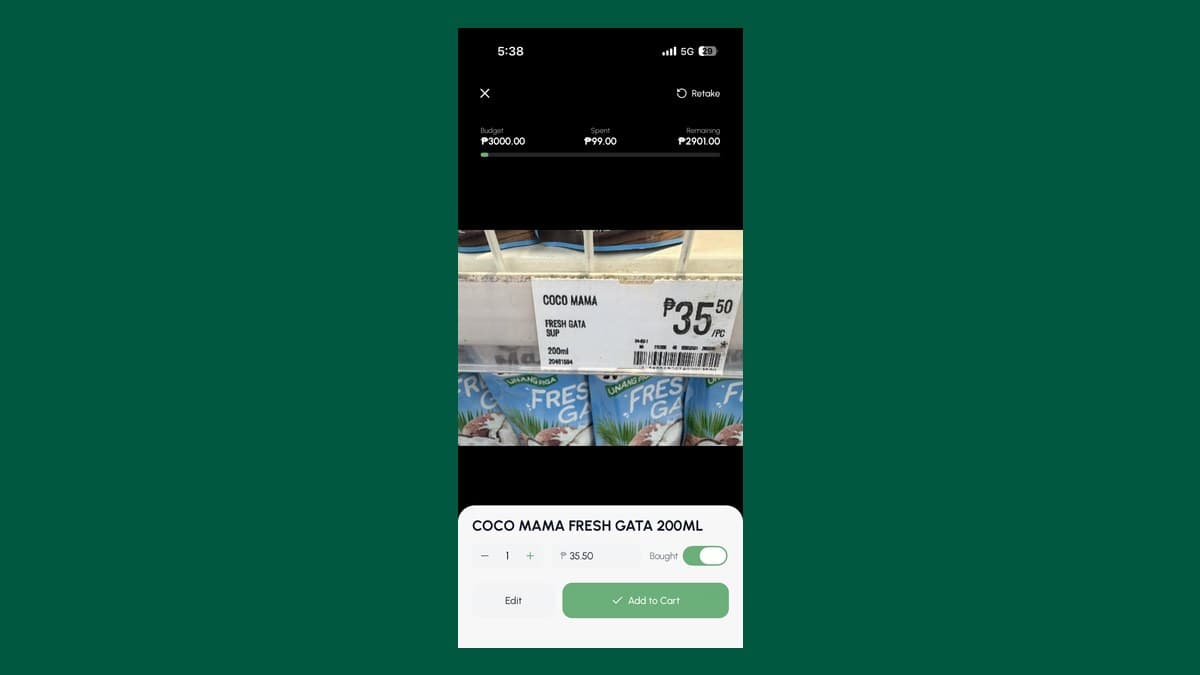
- Before/during the shop — the AI label scanner reads shelf tags as you go, with a live budget bar in the viewfinder.
- After the shop — the receipt scanner logs the trip you just made.
Use whichever matches how you actually shop. Plan-ahead shoppers get the live budget bar; "just get it done" shoppers get the receipt catch-up. Both feed the same insights and price memory.
Pricing and Limits
You get 3 free receipt scans to try it — enough to see how it handles your regular store's receipts. Premium unlocks unlimited receipt scanning (plus unlimited label scanning) at $9.99/month, $29.99/year, or $79.99 lifetime.
A few honest caveats: it needs an internet connection (the AI runs server-side), it's built for grocery receipts specifically, and badly faded receipts may need a correction or two in the review step — that's exactly what the review step is for.
Try It on Your Next Receipt
Dig out the receipt from your last grocery run and scan it — that's the fastest way to see your spending picture start to build itself.
Download GroceryBudget on the App Store or on Google Play — free, no account needed.
Frequently Asked Questions
How does receipt scanning work in GroceryBudget?+
Snap a photo of your grocery receipt (or pick one from your photo library) and AI extracts every line item with its price and quantity, plus the store name, date, and total, into a completed shopping trip. You review and edit before saving.
Is receipt scanning free?+
You get 3 free receipt scans to try it. Premium unlocks unlimited receipt scanning, along with unlimited label scanning.
Does receipt scanning work on any receipt?+
It's built for grocery receipts — printed receipts from supermarkets, groceries, and markets. Non-grocery images are rejected. Faded or crumpled thermal paper can reduce accuracy, so you can review and correct any line before saving.
Do scanned receipts update price memory?+
Yes. Every scanned item is saved against the detected store, so the next time you add that item manually, GroceryBudget suggests the price you actually paid.