Shareable Grocery Lists: Send a Ready-Made Cart
Send a friend or family member a grocery list that opens straight into their app, fully stocked. No typing, no separate list app, no account needed to view it.
Key Takeaways
• Any cart in GroceryBudget can generate a link that opens as a full, itemized list — no account needed to view it.
• Opening the link in the app imports every item directly into a new cart, ready to shop.
• Works for family hand-offs, recipe shopping lists, or any list you want to send someone without re-typing it.
Put this advice to work on your next grocery trip
Plan your list, set a budget, and track the total while you shop.
Explore GroceryBudget features →

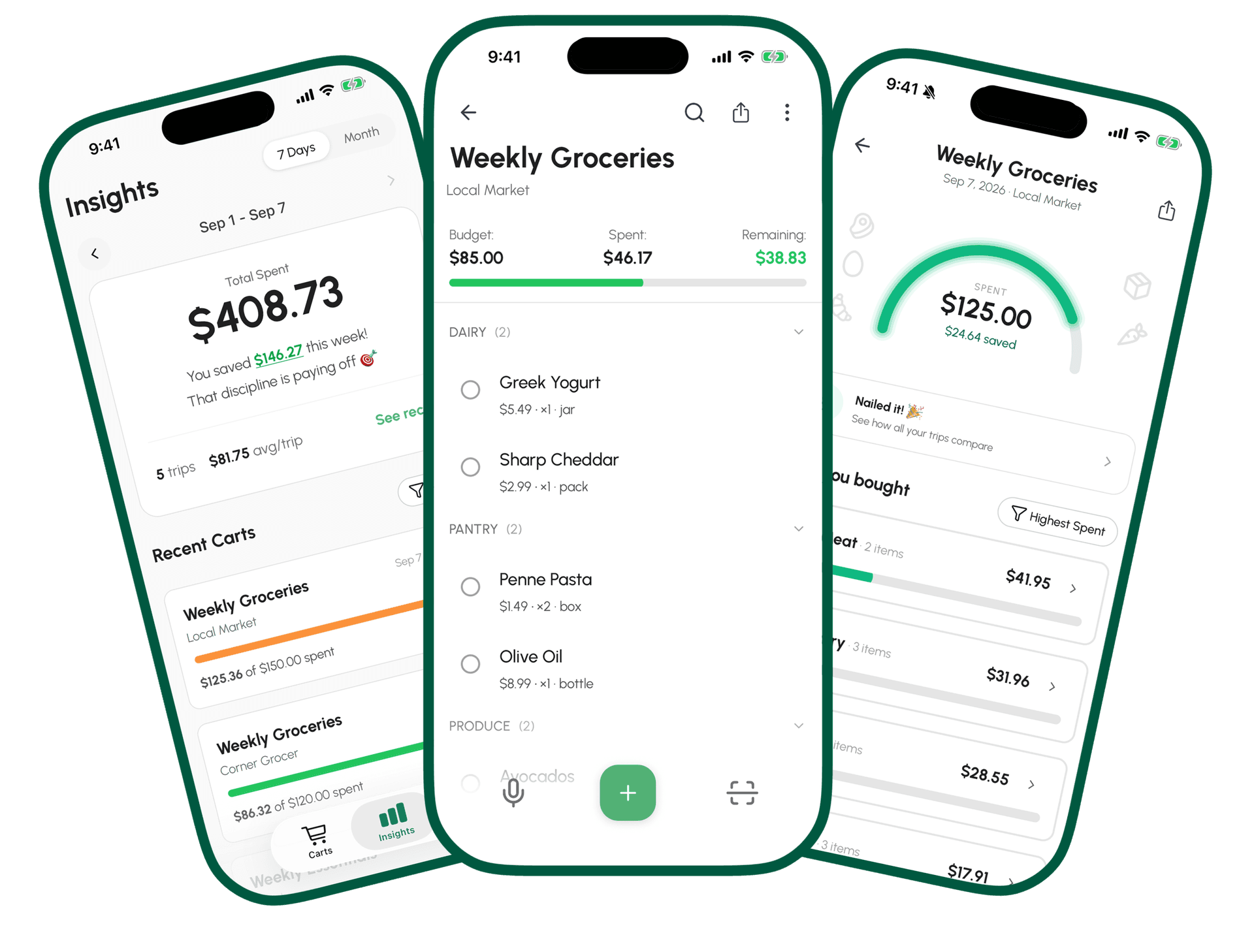
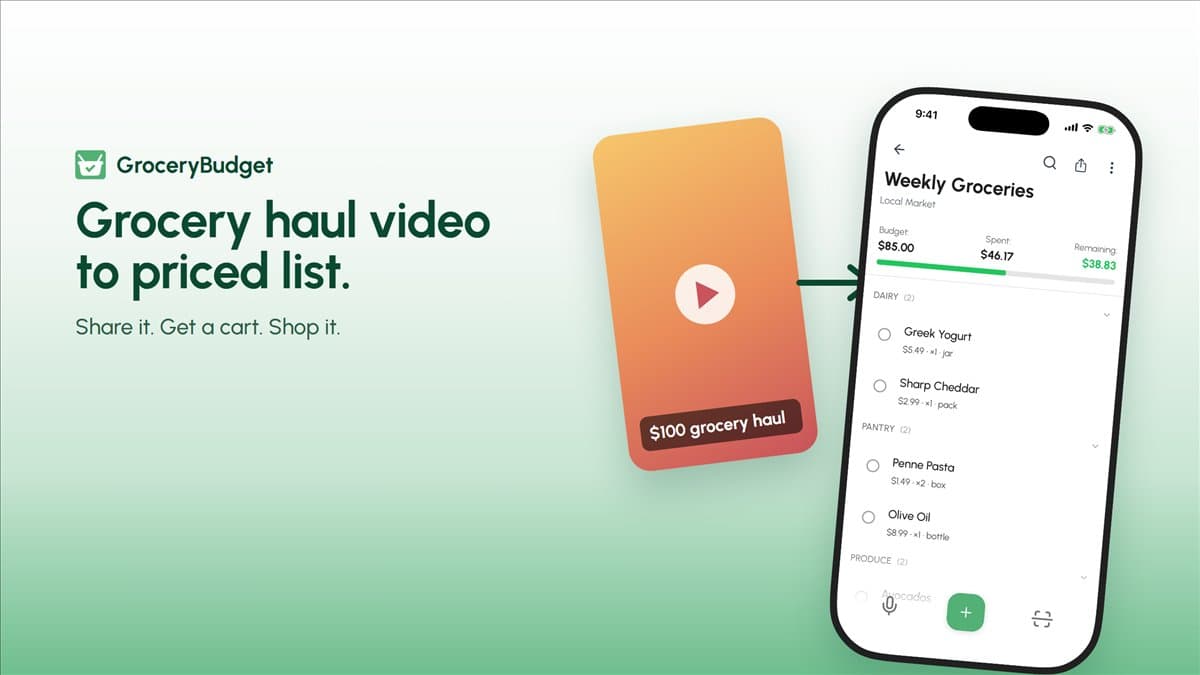
Most grocery lists get shared the slow way: a text message with items typed out one by one, or a screenshot someone has to squint at and retype into their own app. GroceryBudget's shareable lists skip all of that.
How it works
Any cart in the app can generate a share link. Send that link to anyone — a partner, a roommate, a parent — and opening it does one of two things:
- If they have GroceryBudget installed: the link opens the app and imports every item directly into a new cart. Names, quantities, units — all of it, ready to shop.
- If they don't: the link opens a clean web preview showing the full list, with a banner to get the app on iOS or Android.
Either way, nobody has to type anything, and nobody needs an account just to look at what's on the list.
Where this is useful
Splitting a shop with someone. One person builds the cart, the other opens the link and shops from the exact same list — no "did you already get the eggs?" text mid-aisle.
Handing off a recurring list. A weekly staples list, a pantry restock, a specific store run — build it once, share the link, done.
Recipe shopping lists. This is also how we're starting to publish ingredient lists for specific dishes — see the Chicken Adobo shopping list and Taco Night shopping list below for two working examples.
Put this advice to work on your next grocery trip
Plan your list, set a budget, and track the total while you shop.
Explore GroceryBudget features →Try it — two real lists, ready to open
These aren't mockups. Both links below are live, working shared lists you can open right now:
- Filipino Family Weekly Grocery List — a comfortable-tier weekly cart for a family of four, based on the benchmarks in our Filipino family grocery budget guide.
- US Family of 4 Weekly Grocery List — a USDA moderate-cost weekly cart, based on the numbers in our family-of-4 weekly budget breakdown.
Open either one on your phone. If you have GroceryBudget, it imports straight in. If you don't, you'll see exactly what's on the list before you decide.
Download GroceryBudget on iOS or Android — free, no account required.
---
Related: Filipino family grocery budget guide — the benchmarks behind the weekly list above. Grocery budget for a family of 4 per week — the US equivalent. Chicken Adobo shopping list and Taco Night shopping list — recipe-based examples.
Frequently Asked Questions
Does the person I send a list to need the GroceryBudget app?+
No. The link opens a web preview showing every item, with an app-store banner if they don't have it installed yet. If they do have the app, tapping the link imports the whole list into a new cart.
Do they need an account to view a shared list?+
No. Viewing a shared list link requires no account and no sign-in — it's a public, read-only preview.
Can I edit a shared list after sending it?+
No — a shared list link is a fixed snapshot at the moment you shared it. If you need to change it, share a new link.